
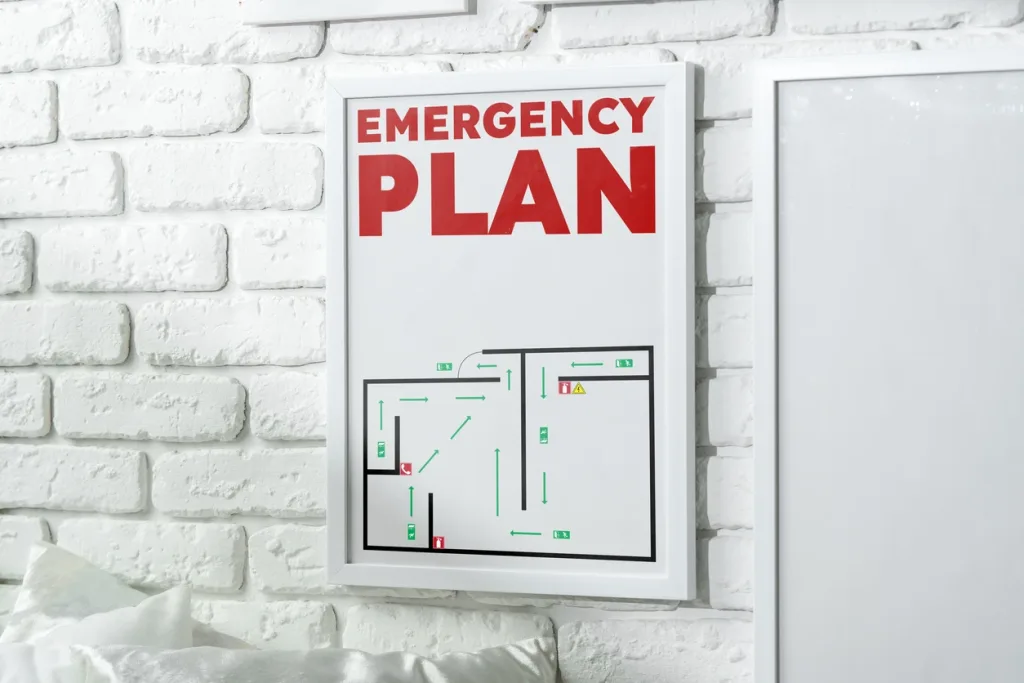
Life safety in commercial buildings now extends well beyond fire protection in 2026.
With the year being punctuated with events like wildfires, protests, FIFA World Cup 2026™, and the USA celebrating 250 years of independence, property teams are preparing for a wider range of disruptions. This includes severe weather, utility outages, public safety incidents, security threats, and large-scale events that can quickly affect how people move through and respond inside a building.
Fire alarms, emergency lighting, sprinkler systems, and evacuation procedures remain foundational elements of a building’s emergency action plan. But today’s property teams also need best-in-class communication strategies that help occupants, tenants, visitors, contractors, and first responders understand what is happening and what to do next.
Here’s a guide to best practices for fire and life safety plan requirements for commercial properties, and how digital signage can help.
What You'll Learn
What Are the Key Fire and Life Safety Communication Requirements for Commercial Buildings?
While no single agency governs every aspect of a commercial building’s emergency communication strategy, several widely adopted frameworks establish requirements that property teams should understand.
OSHA Emergency Action Plan Requirements
OSHA’s Emergency Action Plan (EAP) requirements state that emergency plans should include:
- Procedures for reporting a fire or other emergency
- Emergency evacuation procedures and exit route assignments
- Procedures for employees who remain behind to operate critical functions
- Procedures for accounting for employees after evacuation
- Rescue and medical responsibilities
- Names or job titles of emergency contacts
NFPA and Building Code Requirements
Commercial buildings are also subject to requirements established through:
- NFPA 72 (National Fire Alarm and Signaling Code), which includes fire alarm and emergency communication systems
- NFPA 101 (Life Safety Code), which addresses life safety and means of egress requirements
- International Building Code (IBC) requirements for exits, accessibility, and occupant safety
These codes establish requirements for alarms, emergency lighting, exit signage, and other critical life safety infrastructure.
Although digital signage is not a replacement for these systems, its role is to support communication around them and ease emergency response for building occupants, visitors and staff.
Does Digital Signage Replace Fire and Life Safety Systems?
No. This is one of the most important distinctions property owners and managers should understand.
Digital signage does not replace:
- Fire alarm systems
- Exit signs
- Emergency lighting
- Sprinkler systems
- Fire extinguishers
- Code-required evacuation maps
- Any required life safety infrastructure
Those systems remain governed by applicable building and fire codes.
Instead, digital signage serves as a supplemental communication layer that helps occupants understand:
- What is happening
- Whether they are affected
- Where they should go
- What actions they should take next
Why Life Safety Communication is a Visibility Problem
When an emergency occurs, building systems respond immediately.
Alarms sound. Lights activate. Protocols begin.
But for occupants inside the building, the situation is often far less clear. Information can come in pieces, and questions arise quickly:
- Is this a drill or an actual emergency?
- Which stairwell should I use?
- Does this affect my area?
- Should I evacuate or shelter in place?
- Where can I find additional information?
Many commercial real estate properties still rely on fragmented communication channels like email, printed signs and notices, front desk announcements, and even phone trees.
The problem is that emergencies move faster than traditional communication methods. The great thing is, digital signage helps close that communication gap. Here’s how.
4 Ways Digital Signage Supports Fire & Life Safety Communication
1. Emergency Alert Messaging
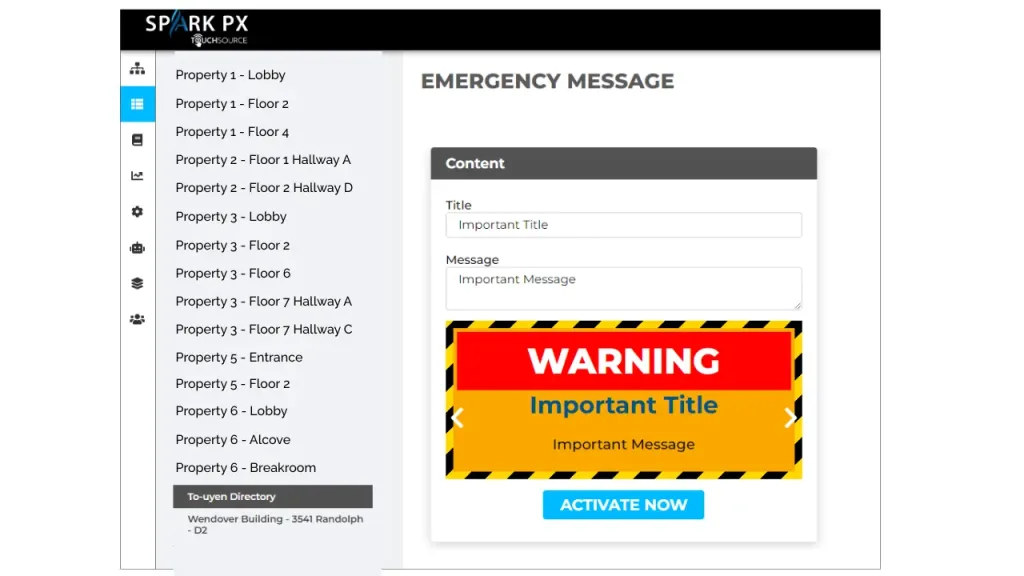
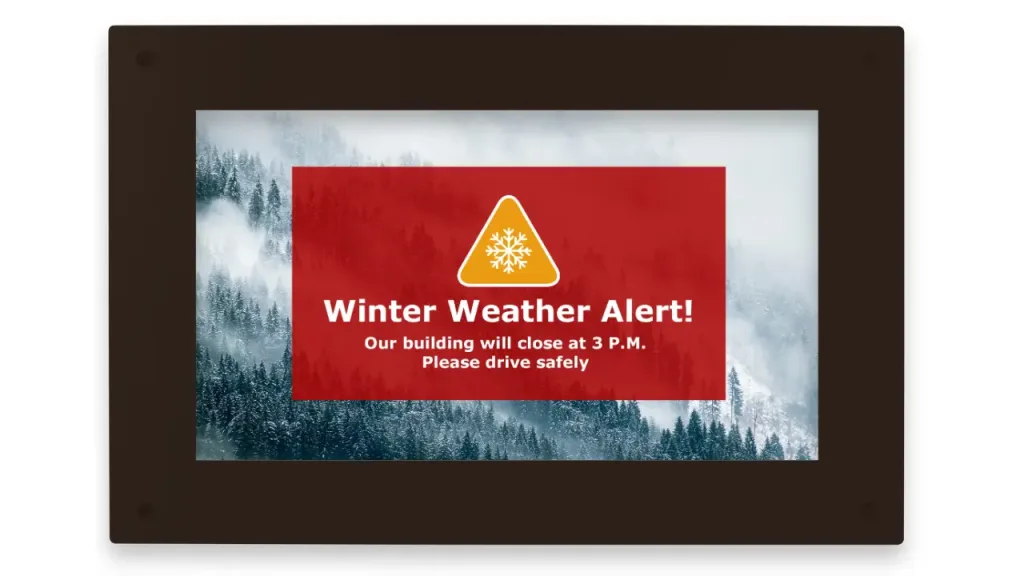
The most obvious digital signage application that supports fire and life safety is emergency communication. In an emergency, property teams need the ability to distribute clear, consistent messaging immediately. With a centralized content management platforms, building managers can share time-sensitive alerts including severe weather notifications, lockdown communications, evacuation instructions, and other guidance when it matters most.
How TouchSource Helps:
- Our system enables real-time messaging takeovers across connected displays.
- When needed, standard content such as directories and rotating content can be instantly overridden with emergency messaging across one screen or a network of screens.
2. Life Safety Wayfinding & Navigation
Effective emergency response starts long before an incident occurs. But people make better decisions under stress when they already understand the building environment. This includes knowing where key locations are and how to get there.
Digital wayfinding helps visitors become familiar with:
- Building layouts
- Stairwell locations
- Accessible routes
- Building amenities
- Entrances and exits
- Campus navigation
Note: Digital wayfinding should supplement, not replace, code-required exit signs or evacuation plans. OSHA, NFPA, and the IBC continue to establish and update requirements for exit routes and exit signage. Always refer to those when updating your building’s emergency action plan.
How TouchSource Helps:
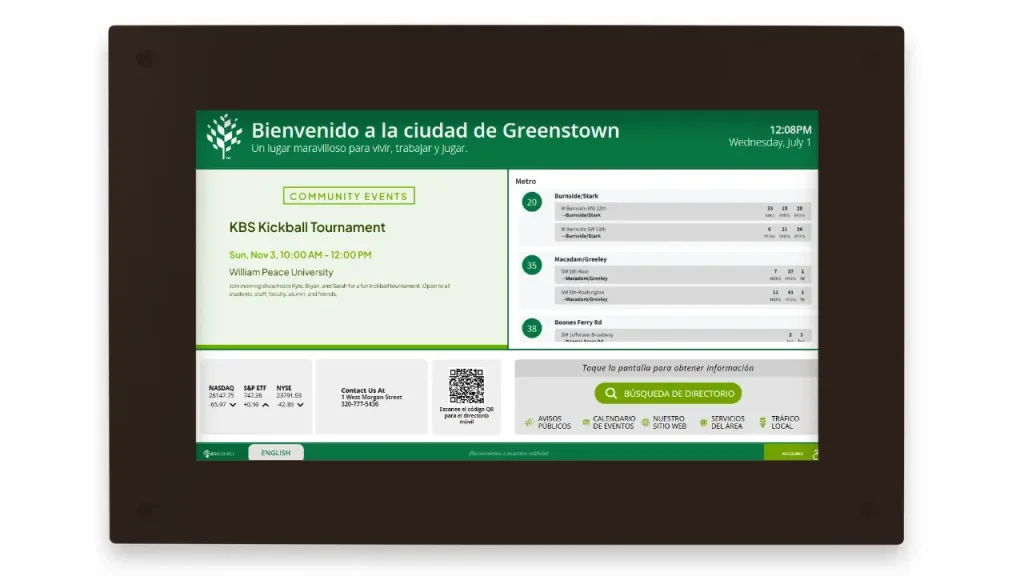
- Interactive directories, digital maps, QR-enabled navigation and wayfinding tools help visitors understand the layout of the building before an emergency ever occurs.
- This wayfinding knowledge reduces confusion for both staff and building occupants when rapid action is needed.
3. Operational Safety Communication
Life safety isn’t limited to emergency events. Property teams are responsible for communicating routine safety information every day. From fire drill reminders and elevator maintenance notices, to public health advisories and temporary changes due to construction, there’s always something critical that has to be communicated.
How TouchSource Helps:
- With TouchSource, property teams don’t need to manage safety messages one screen at a time.
- Users can program rotating reminders, seasonal or time-sensitive content for a set period (set it and forget it).
- Give property teams a key, simple-to-operate communication channel to keep those in the building or on campus informed.
4. More Accessible On-Site Communication
A message is only effective if people can understand it. Traditional communication methods may not reach everyone equally. Digital signage expands the building management team’s ability to communicate and meets ADA standards with elements like larger text, high-contrast bright displays, multiple language options, and visual reinforcement.
How TouchSource Helps:
- Enables highly visible, ADA-compliant communication experiences.
- Offer a variety of multi-lingual features to help properties communicate with more people when it matters most.
Frequently Asked Questions
Can digital signage be used for emergency communication in buildings?
Yes. Digital signage can display emergency alerts, evacuation instructions, weather warnings, shelter-in-place notices, and building-specific safety updates. It is generally best positioned as a supplemental communication channel supporting existing life safety systems.
Can digital signage replace fire alarm systems?
No. Fire alarm systems remain required life safety infrastructure governed by applicable codes. Digital signage supports communication around these systems but does not replace them.
Can digital signage replace exit signs?
No. Exit signs have independent code requirements and must remain in place. Digital signage can supplement navigation and wayfinding but should not replace required exit signage.
Can digital signage support OSHA emergency action plans?
Yes. Digital signage can help communicate reporting procedures, evacuation routes, emergency contacts, drills, and emergency instructions that support OSHA emergency action plan requirements.
Can all building screens be overridden at once?
Yes. Through a centralized content management platform like our TouchSource SparkPX software platform, emergency messaging can instantly replace standard content across connected screens throughout a property or portfolio.
Can digital signage help during shelter-in-place or lockdown events?
Yes. Not all emergencies require evacuation. Digital signage can distribute shelter-in-place instructions, lockdown messaging, and public safety guidance when conditions require occupants to remain inside.
Summary
Commercial buildings are built around highly regulated life safety systems, including fire alarms, emergency lighting, exit signage, sprinkler systems, and evacuation plans.
Those systems remain essential, but they do not always answer the questions people have in the moment: what is happening, whether they are affected, where to go, and what to do next.
Digital signage helps close that gap by making important updates more visible, consistent, and timely across a building or property portfolio.
With TouchSource, property teams can manage emergency messaging, wayfinding, operational notices, and tenant communication from one centralized platform instead of updating screens or locations one by one.
Digital signage does not replace required life safety infrastructure. It strengthens the communication layer around it so property teams can keep people better informed when clarity matters most.
Because life safety isn’t just about alarms. It’s about making sure everyone knows what’s happening and what to do next.
More resources:
How TouchSource Can Help
See how TouchSource helps commercial property teams centralize safety messaging, tenant updates, and emergency communication across one building or an entire portfolio.
Explore Digital Signage Features