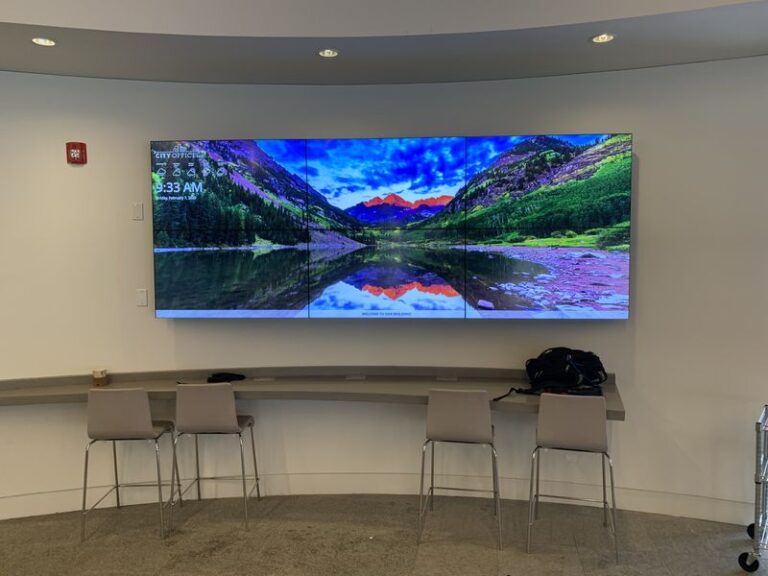
Multi-Building Property Signage
Bring Consistency to Every Location
We Can Connect Your Campus with Multi-Building Digital Signage
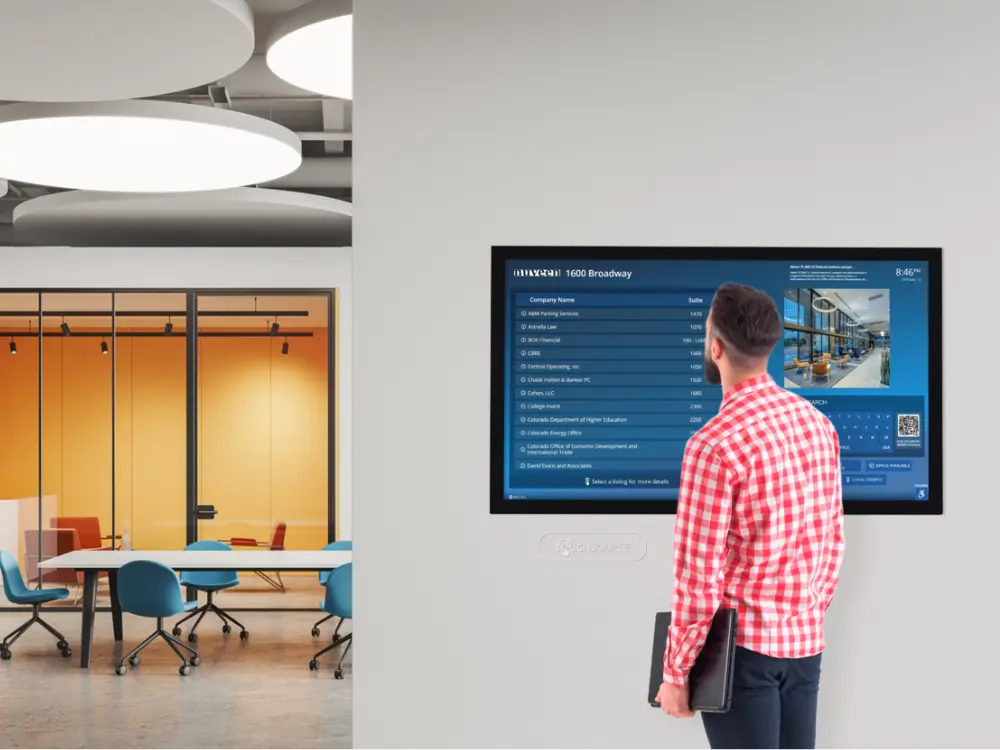
When visitors arrive at a hospital, corporate campus, or university, they often feel lost. They need clear directions to find the right building, floor, and office. TouchSource provides multi-building digital signage solutions to nationwide clients to help their guests feel welcome and confident. We’ll build you a system that fits the exact layout of your property and connects different buildings with one simple network. An easy-to-update digital building directory will improve the experience for everyone on your property.
A Clearer Way to Keep Large Properties Connected
Offices change, new tenants move into commercial properties, and events happen daily. A digital building directory board keeps everyone informed. When a new business moves into Building B, you can add them to the directory in Building A instantly. Digital screens also allow you to showcase:
- Daily event schedules
- Weather updates and transit times
- Emergency alerts across all buildings
- Campus news and announcements

Helping Visitors Understand Where They Are
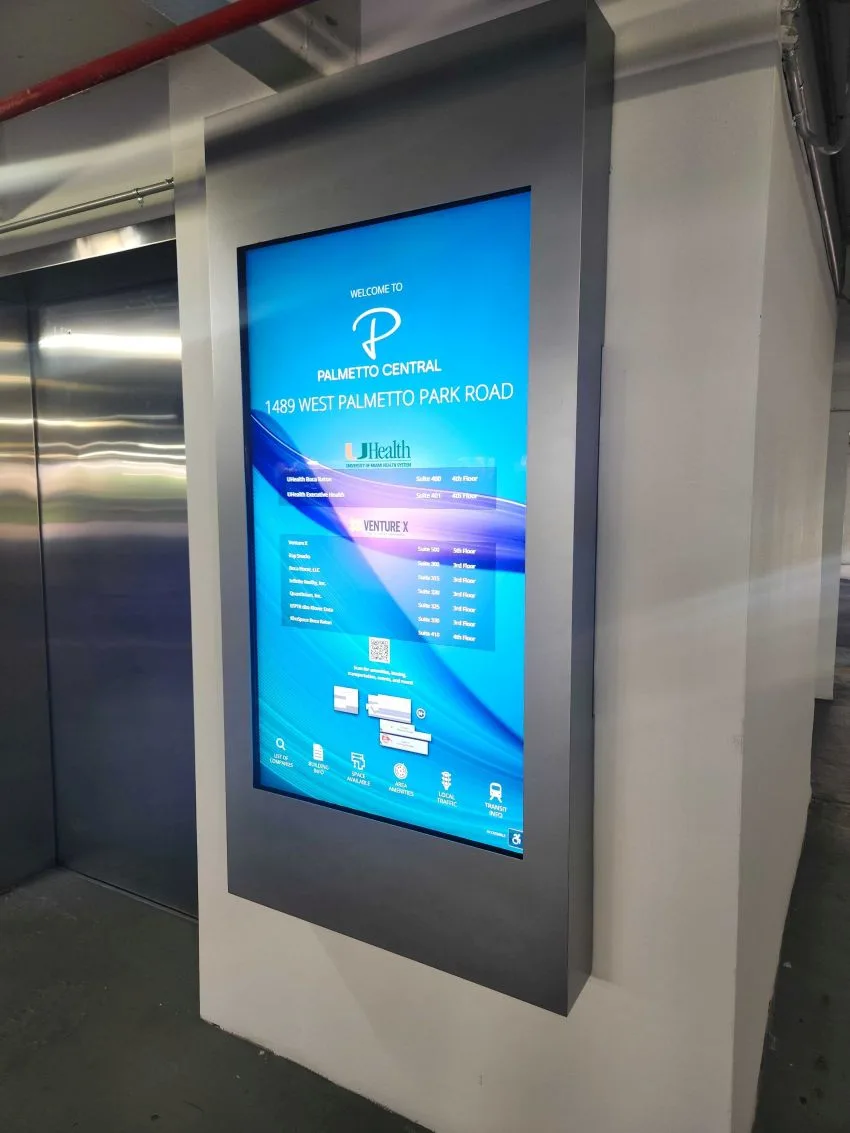
Guests often enter a large complex and immediately wonder where to go next. A digital floor directory display placed near the entrance solves this problem. These screens show visitors where they stand in relation to the campus.
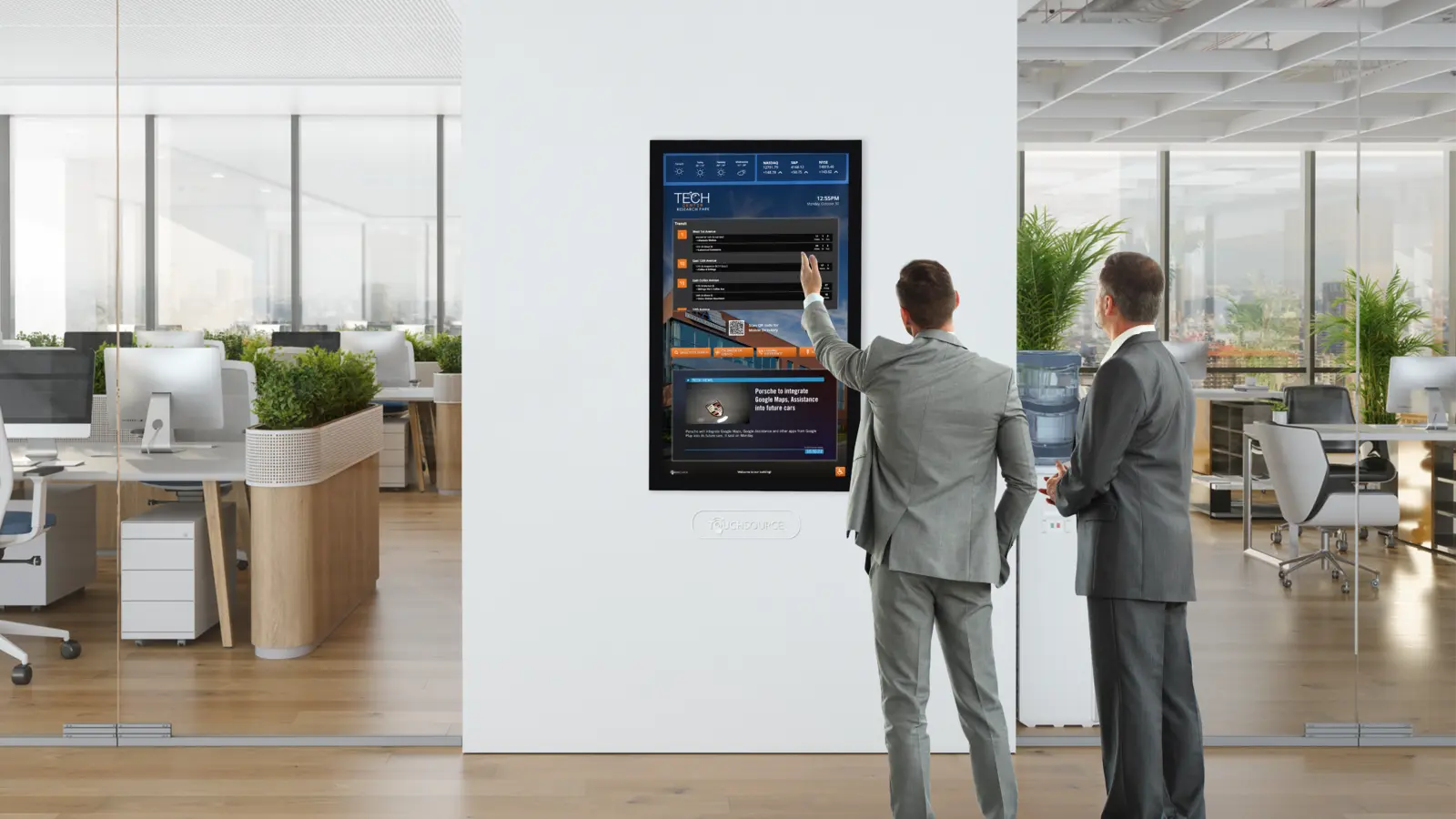
When you use multi-site digital office signage, you give people peace of mind. They can search for a specific person, department, or company. The screen will then show them the best path to reach their destination. This reduces the number of lost guests wandering through the halls. It also keeps your reception staff from having to answer the same questions over and over again.
Smarter Directory Displays for Multi-Building Layouts
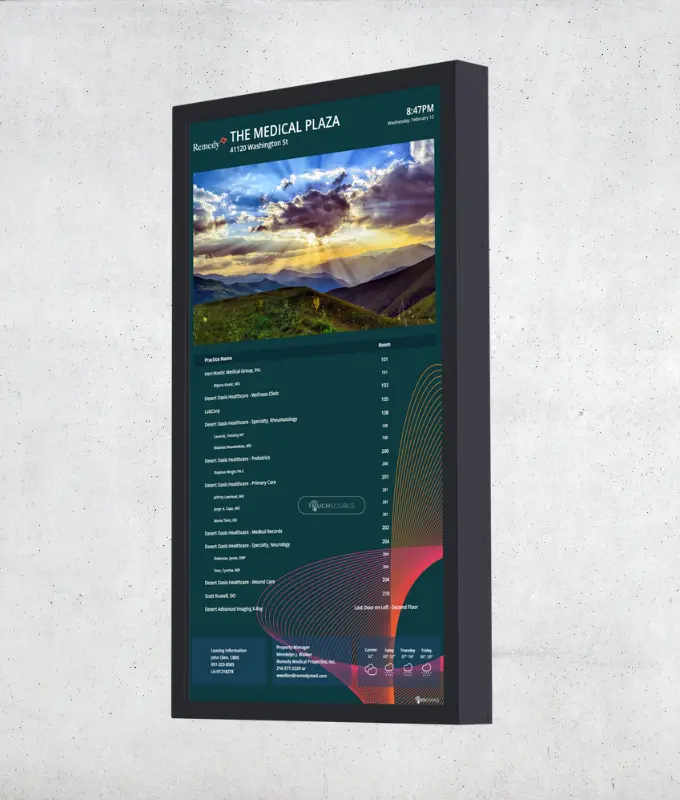
Old signs run out of space quickly. If you have hundreds of tenants, a static board can look crowded and messy. Digital directories for buildings fix this spacing issue. Visitors can scroll through a clean, alphabetical list on a touchscreen.
But a smart digital building directory does more than list names. You can add company logos, brief descriptions, and contact information. If someone needs the human resources department, they can type “HR” into the search bar. The directory will find the building and suite number in seconds. This smart search feature makes large campuses feel much smaller and easier to manage.

Interactive Maps That Simplify Complex Campuses
Maps are essential for large properties. However, a static map cannot show you a custom route. Interactive 3D maps guide visitors step-by-step. A user taps their destination, and the screen draws a bright line showing the fastest walking route. These maps can also highlight important amenities. You can use icons to highlight:
- Restrooms and water fountains
- Cafeterias and coffee shops
- Elevators and stairs
- Parking garages and transit stops
Interactive maps update easily. If a hallway closes for repairs, you can change the map to show a detour. This keeps traffic flowing smoothly across your entire property.
Flexible Screens That Fit Each Space
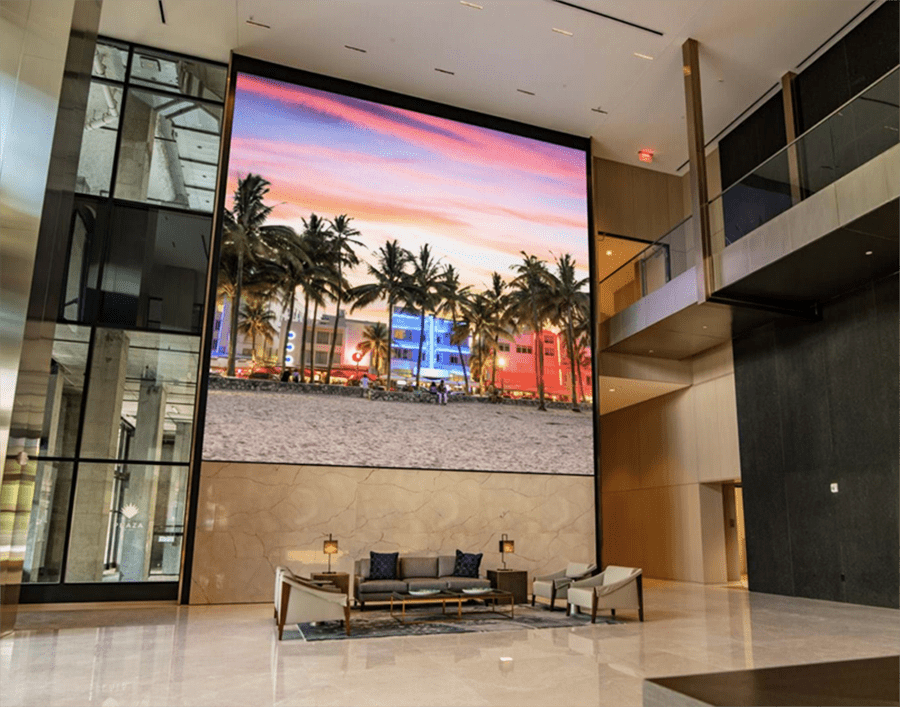
Every building has a unique style. You might have a modern glass lobby in one building and a classic brick entryway in another. TouchSource provides multi-building digital signage that fits any design. You don’t need to rebuild your walls to install these screens.
We offer screens that mount flat against the wall or stand alone in a lobby or room. You can choose enclosures that match your brand colors and materials. This flexibility means you get a modern directory system that looks like it belongs in your space.
Contact TouchSource for Digital Floor Directory Displays Today
Updating your campus signs improves safety, communication, and visitor satisfaction. Digital screens will guide your guests clearly and give your property a modern feel. Contact us today to learn more about our effective signage solutions.
FAQ About Multi-Building Digital Signage Solutions
What Is Multi-Building Digital Signage?
It’s a network of digital screens spread across several buildings that connect to a single software platform. Property managers use them to share directories, maps, and announcements across a whole campus.
How Do You Update Digital Directories for Buildings?
You update them using a simple web-based dashboard. You can log in from any computer, change the name or room number, and publish the update to all screens.
Can a Digital Floor Directory Display Show Multiple Floors?
Yes. A single screen can display the layout of every floor in the building. Users can tap the screen to view different levels and find the room they need.
Do These Signs Work for Outdoor Spaces?
Yes. We offer screens designed specifically for outdoor use. They’re waterproof and bright enough to read in direct sunlight. These are perfect for walking paths between buildings.
How Long Does It Take to Install Multi-Site Office Digital Signage?
The installation timeline depends on the number of screens. However, our team works quickly to minimize disruption. We handle the setup and ensure the software runs perfectly before we finish.
TouchSource place-based communications—create a strong sense of place with a modern digital signage experience.
Premier Denver Tech Center Office Building Adds Cool Focal Point to Enhance Visitor Experience
Denver is getting noticed as a top tech hub. Prior to the pandemic, Denver had experienced steady growth in high-tech software and services jobs, and companies were moving to the metro to take advantage of its tech talent.