
Choosing Between a Digital Kiosk and Touchscreen Directory
Property managers should make it as easy as possible for visitors to find their destination. This means providing clear, helpful directions at the entrance. Two popular tools for this job are digital kiosks and touchscreen directories from TouchSource. They both have glowing screens and often live in lobbies, but they serve different purposes. Knowing the difference can save you time and money.
Our team will help you understand the key points of interactive kiosk comparisons. We want you to understand how these options differ and which features you need so you can choose the one that best fits your building.
How Can a Digital Kiosk Help Me?
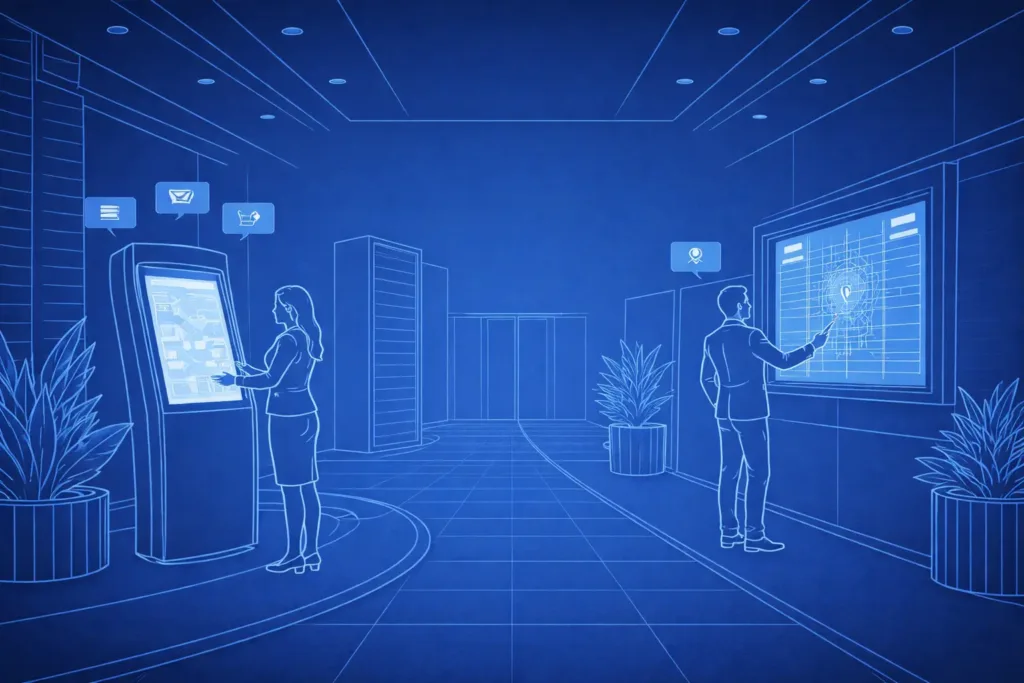
An interactive wayfinding kiosk is like a standalone computer terminal. The touchscreen nature allows users to perform many tasks. You often see them in malls, airports, and hospitals. They act like an extra employee, handling jobs that normally require human help. A digital kiosk may offer:
- Self-service check-in for floors, offices and tenants
- Detailed, interactive 3D wayfinding maps for large areas and campuses
- Event schedules, local news, and weather updates
- Hours and locations for stores, restaurants and other key sites
These stations are very interactive. Users might spend several minutes tapping through menus. They’re great for places where people need to complete a specific task independently. For example, a hospital might use a kiosk to quietly and efficiently check patients in for appointments. A mall might use one so that shoppers can search for a specific store and get step-by-step directions on how to get there.
What Is a Touchscreen Directory Designed to Do?
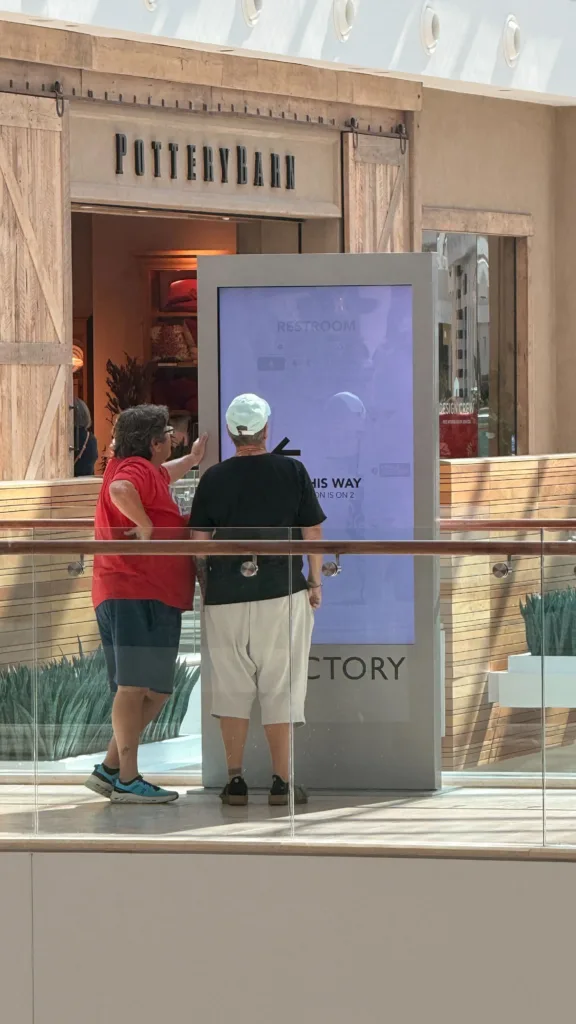
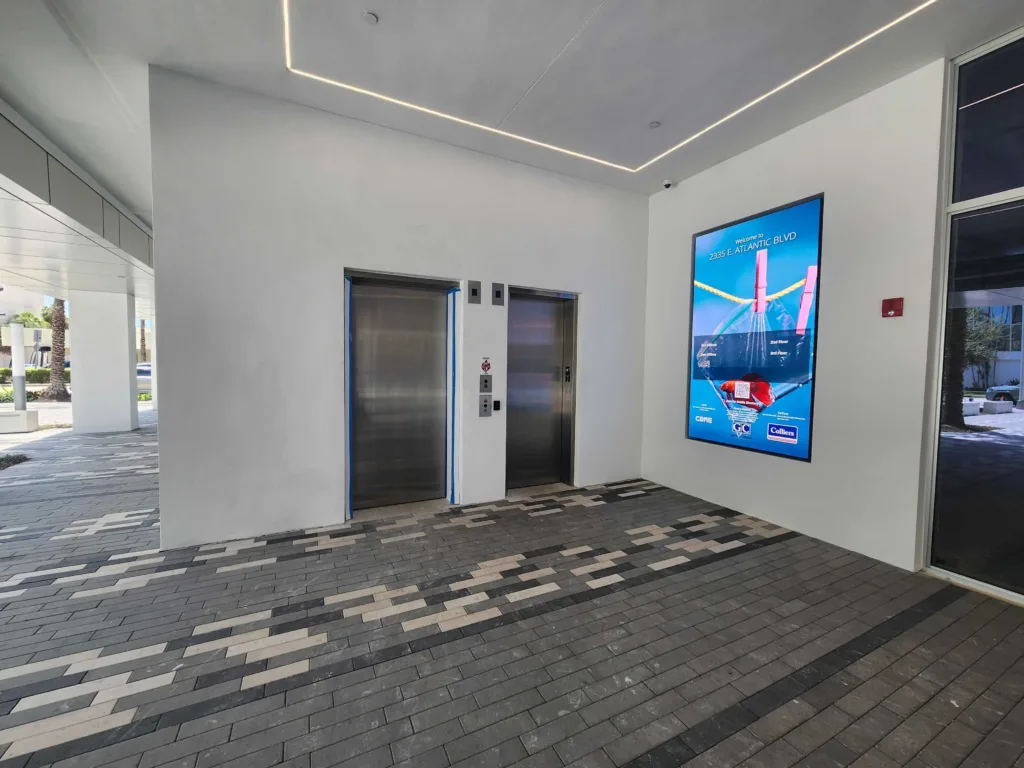
A touchscreen directory is more focused on the needs of a commercial property. Its main job is to help visitors find people, offices, points of interest quickly. You usually mount them on a wall or place them in a kiosk enclosure inside a lobby. They replace old glass-and-letterboards on which buildings used to rely. Touchscreen building directory features include:
- A clear, alphabetized list of tenants or employees
- Quick search bars to find a name or suite number in seconds
- Simple floor plans to point visitors to the right elevator bank
- Building announcements, transit schedules, and management contact information
The goal of touchscreen directory solutions is pure speed. A visitor walks up, finds a name, and keeps moving. They don’t stay at the screen for long, and in some cases they can use a QR code to use the directory from their phones. This keeps your lobby clear of crowds. When a delivery driver needs to drop off a package, they can also use the directory to find the right floor instantly.
How the Visitor Experience Differs
The visitor experience changes based on the software you choose. You must design your lobby around how people behave.
With a touchscreen directory, the interaction is brief. A guest enters the lobby, taps the screen to find a suite number, and immediately heads to the elevators. The entire process takes less than 30 seconds, keeping foot traffic flowing smoothly during daily rush hours.
With an interactive wayfinding kiosk, the guest might stay longer. They might explore an interactive map or read about upcoming community events. This is highly helpful in a massive hospital or a sprawling shopping center. However, it can cause frustrating lines in a busy corporate lobby where people just want to get to work.
Choosing the Right One for Your Building
Before making your digital directory decision, ask yourself these simple questions:
- What Is Your Main Goal? If you want to help people find offices fast, get a touch or static wall directory. If you want them to have a more engaging experience or offer check-in, get a kiosk.
- How Much Space Do You Have? Wall-mounted directories save valuable floor space in small lobbies. Standalone kiosks take up more room and need dedicated floor power outlets at the install site.
- Who Is Visiting? Busy professionals want quick answers. Tourists or shoppers might enjoy exploring interactive maps and reading local transit alerts.

What TouchSource Can Help You Build
TouchSource provides top-tier building directory technology nationwide, offering both digital lobby kiosks and touchscreen directory solutions. Moreover, our team will help you customize the software and maintain it easily. We’ll ensure the screen matches your building’s style and provide easy-to-use tools so that you can update tenant names in minutes. We’ll also handle the technical details, software updates, and installation so that you can focus on running your property.
Contact Us Today to Learn More
The right screen prevents confusion and makes your property look professional. If you’re ready to upgrade your lobby, reach out to TouchSource to learn more about our custom screen solutions. Contact us today to explore digital signage options or get pricing for your upcoming project.